Cinematic Text
Friday, December 4 · 4:00 PM CET · Live on Zoom
Live only. No replay.
Free, live, 75 minutes: build your own cinematic text style, the kind of detail that makes a video look professional instead of generic. You'll leave with a Text Style Sheet you reuse in every video after.
Free & live. I'll email you the Zoom link beforehand.
75 MINUTES · LIVE ON ZOOM · NO REPLAY
- Live only, not pre-recorded
- No replay, want to rewatch? That's what the community is for
- New topic every month: skills, visibility, clients, speed, camera
The TL;DR
Everything you need to know, in ten seconds.
- It's free. No payment, ever. Just your name and email.
- It's a 75-minute live masterclass on Friday, December 4 at 4:00 PM CET, on Zoom. Live only, there's no replay.
- It's for any video editor or creator who wants their on-screen text to look cinematic instead of generic. Beginner or already working with clients.
- You walk out with your own Text Style Sheet built live on a real clip: font pairings, colors, and a signature animation, ready to reuse.
- It works for Reels, YouTube, or client work. Same text design principles, wherever you post.
75 MINUTES · LIVE ON ZOOM · NO REPLAY
Coming from my newsletter? You're already in. Check your inbox for the Zoom link ✓
The real problem
Your text is the first thing people judge and most of it looks cheap.
Most creators treat text like an afterthought: default font, default animation, wherever it fits. That's the gap between a video that looks amateur and one that looks like it belongs on a brand's feed.
- Auto-captions turned text into pure information. It conveys words, nothing else.
- More fonts and presets won't fix it. The gap is judgment, not tools.
All you need to change that is one cinematic text style you actually understand and reuse in every video. That's what we build live in this masterclass.
This month's masterclass
What you'll learn
In 75 minutes, you'll build your own cinematic text style:
- 5 font pairings that instantly look premium (pick yours)
- Colors and a signature animation that fit your videos
- The small tweaks that make text feel part of the scene, not slapped on top
- A live build: text behind your subject, step by step
You'll leave with your own Text Style Sheet, ready to use in your next video.
About me
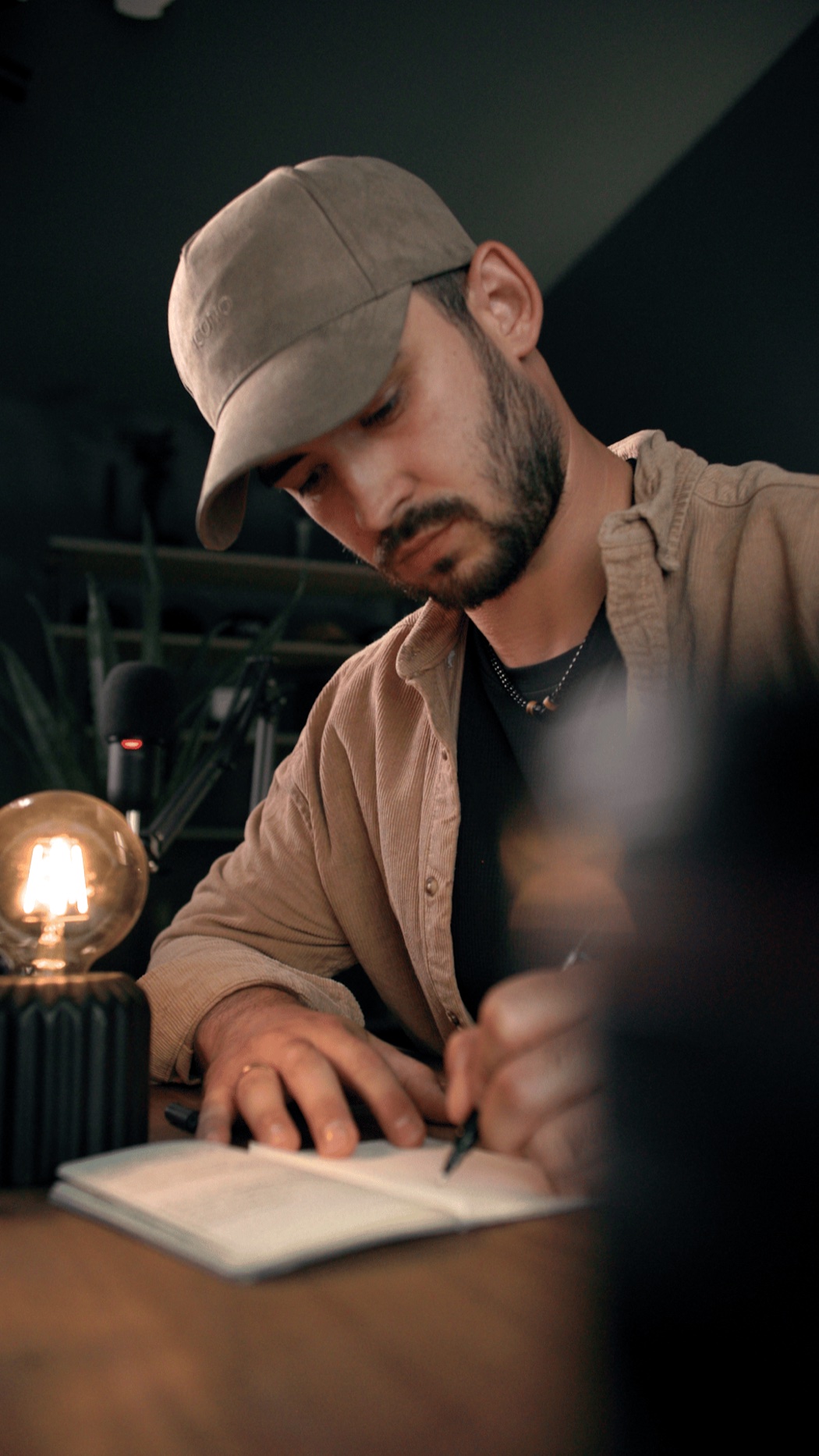
I'm Joe, a video editor since 2012 and Adobe Ambassador. Cinematic edits like these grew my Instagram from 8K to over 110K and opened doors to brand deals and new clients. In this masterclass I'll show you exactly how I build them.
Want in?
It's free, it's live on Friday, December 4, and it's not recorded, so grab your spot now.